v2.11.1LATEST
JUN 26, 2026
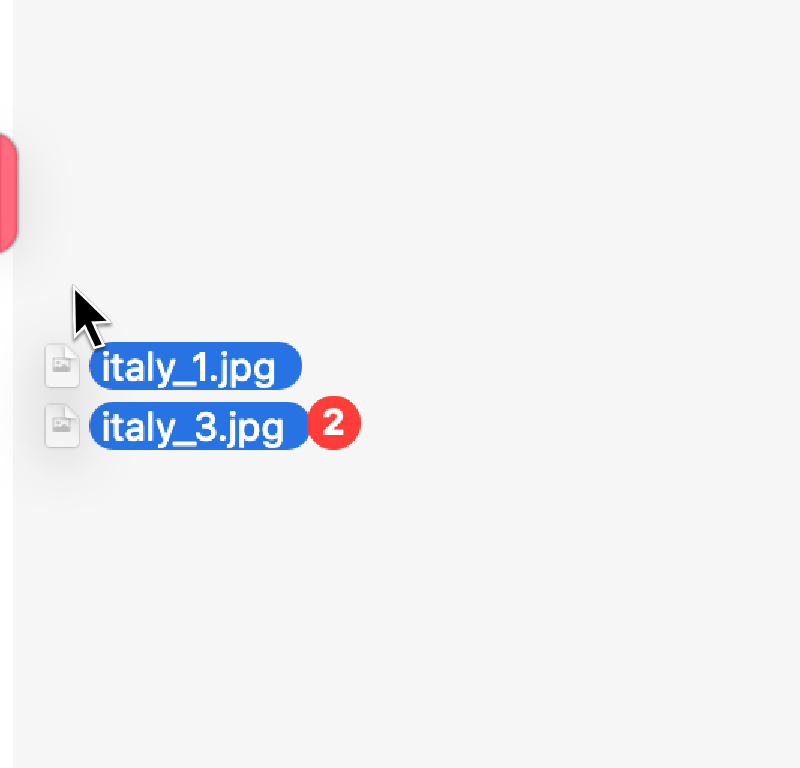
Copy or move files and folders to your favorite folders and their sub-folders. No need to open new Finder windows.
$ brew install --cask filefillet7-day trial · up to 2 Macs · macOS 14.6+
Watch 30-second demo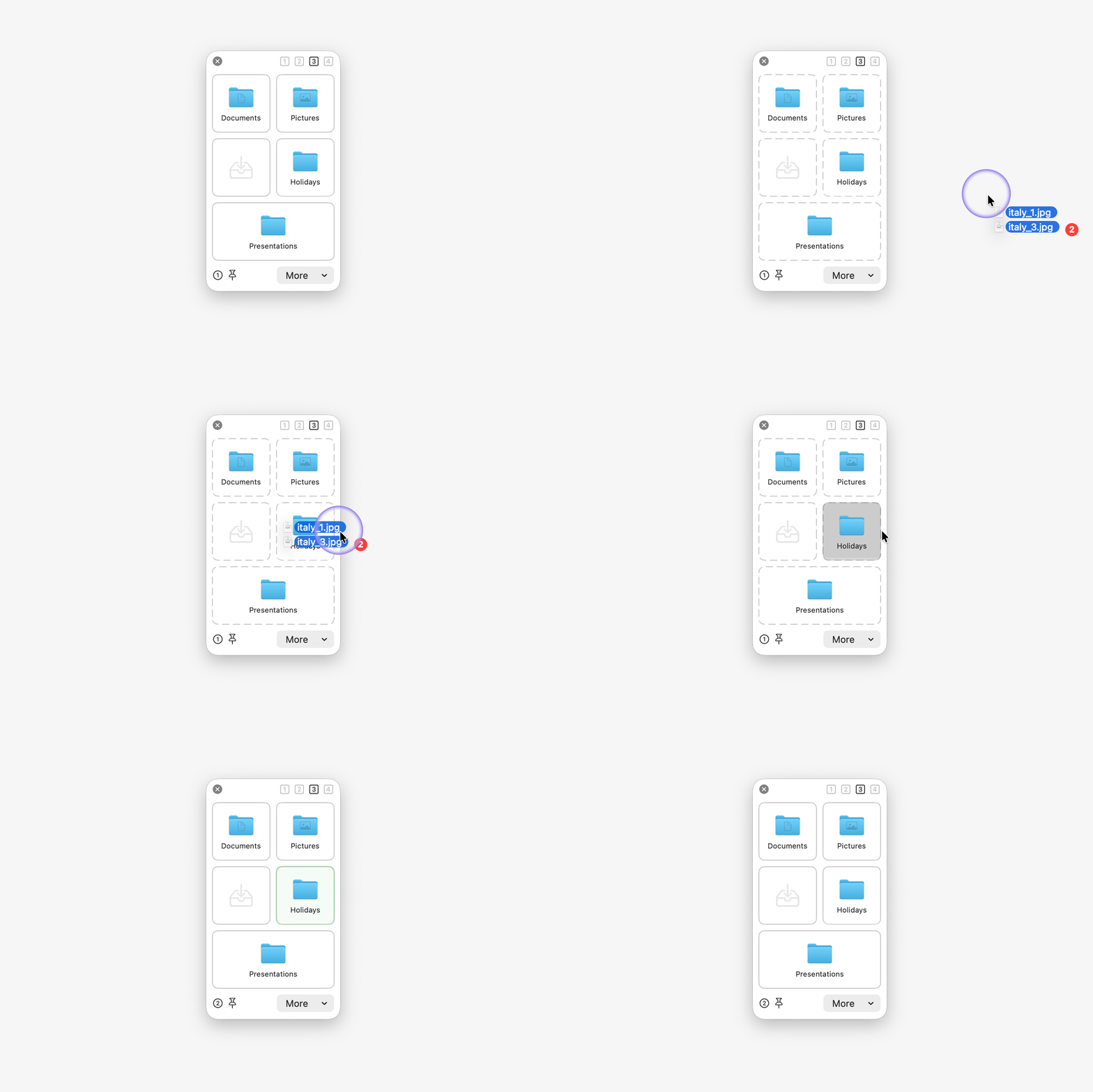

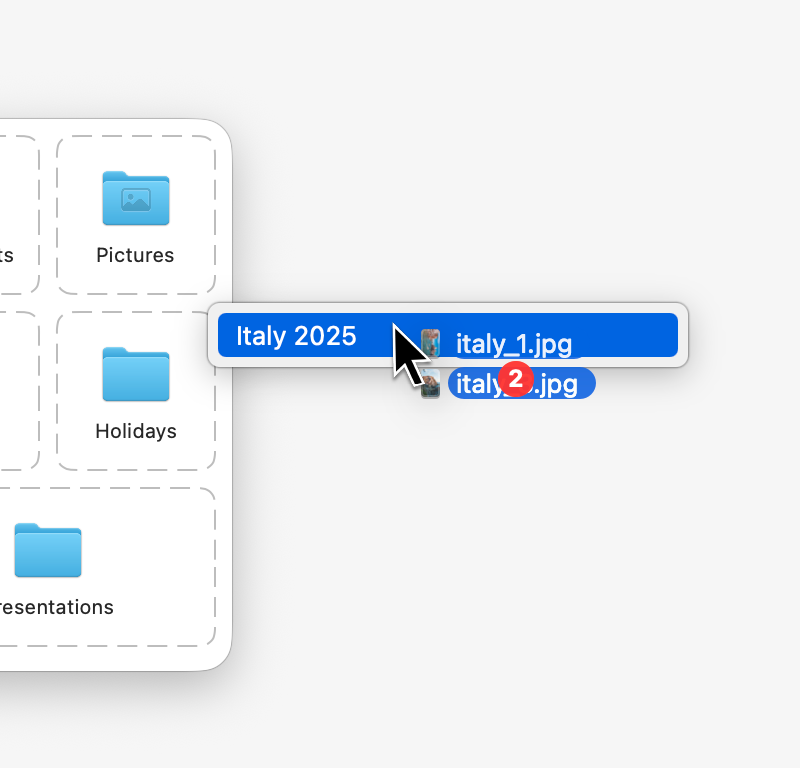
Too many favorites? Just use the parent. Access all subdirectories.
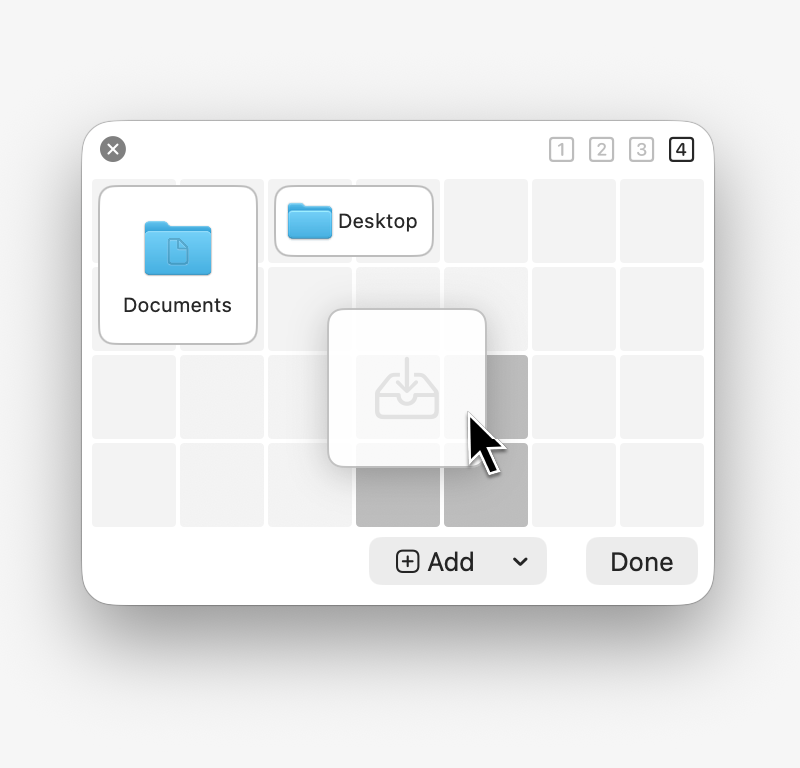
Change the window size. Place your favorites. You choose.
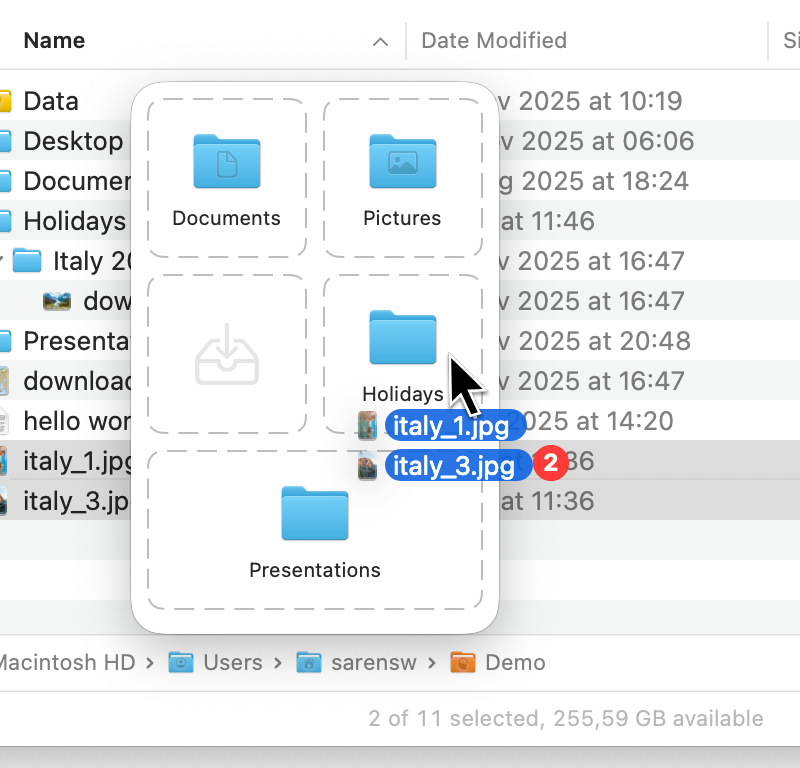
Panel pops up at the cursor. No mouse gymnastics.
Panel slides in when you need it, stays out of the way otherwise.
“Finally a tool that respects the sanity of power users on macOS. Global shortcuts plus favorites equals streamlined file flow.”
CHANGELOG
Added option to hide the dock app icon · First transfer to NAS drives might fail because NAS is not ready yet · Folder tile hover indicator did not reset after dropping files · A move that didn't finish properly could leave a leftover copy behind · Cancelling a transfer did not actually stop it · Improved concurrency to keep the UI responsive during file transfers and directory loading
Updated what's new view · Moving files from eMClient does not work
Coming nextNative support for cloud storage providers (e.g. Google Drive, Dropbox, OneDrive)
FAQ
FileFillet is a macOS utility for organizing files quickly. It keeps your favorite folders one shortcut away, so you can copy or move files and folders — including into subdirectories — without opening new Finder windows.
FileFillet costs €8.99 as a one-time purchase (plus VAT where applicable). There is no subscription, and updates within version 2.x are free.
Yes. FileFillet comes with a 7-day free trial, and one license can be used on up to 2 Macs.
FileFillet requires macOS 14.6 or later and runs natively on both Apple Silicon and Intel Macs.
Download the .dmg or .zip from filefillet.com, or install it with Homebrew: brew install --cask filefillet.
No. FileFillet works alongside Finder. Its panel appears when you hold Control (⌃) while dragging files or when you hover the edge of your screen, and it stays out of the way otherwise.